Journeys
Journeys (flows) are event-triggered automations. In the live app the URL segment is flows; the product name remains journeys.
Create a journey
- Pick a trigger event from the launch catalog (for example
order_shipped). - Add steps: waits, splits, template sends, and attribute updates.
- Save as draft until you publish in the UI. MCP clients may edit drafts but cannot publish without confirmation.
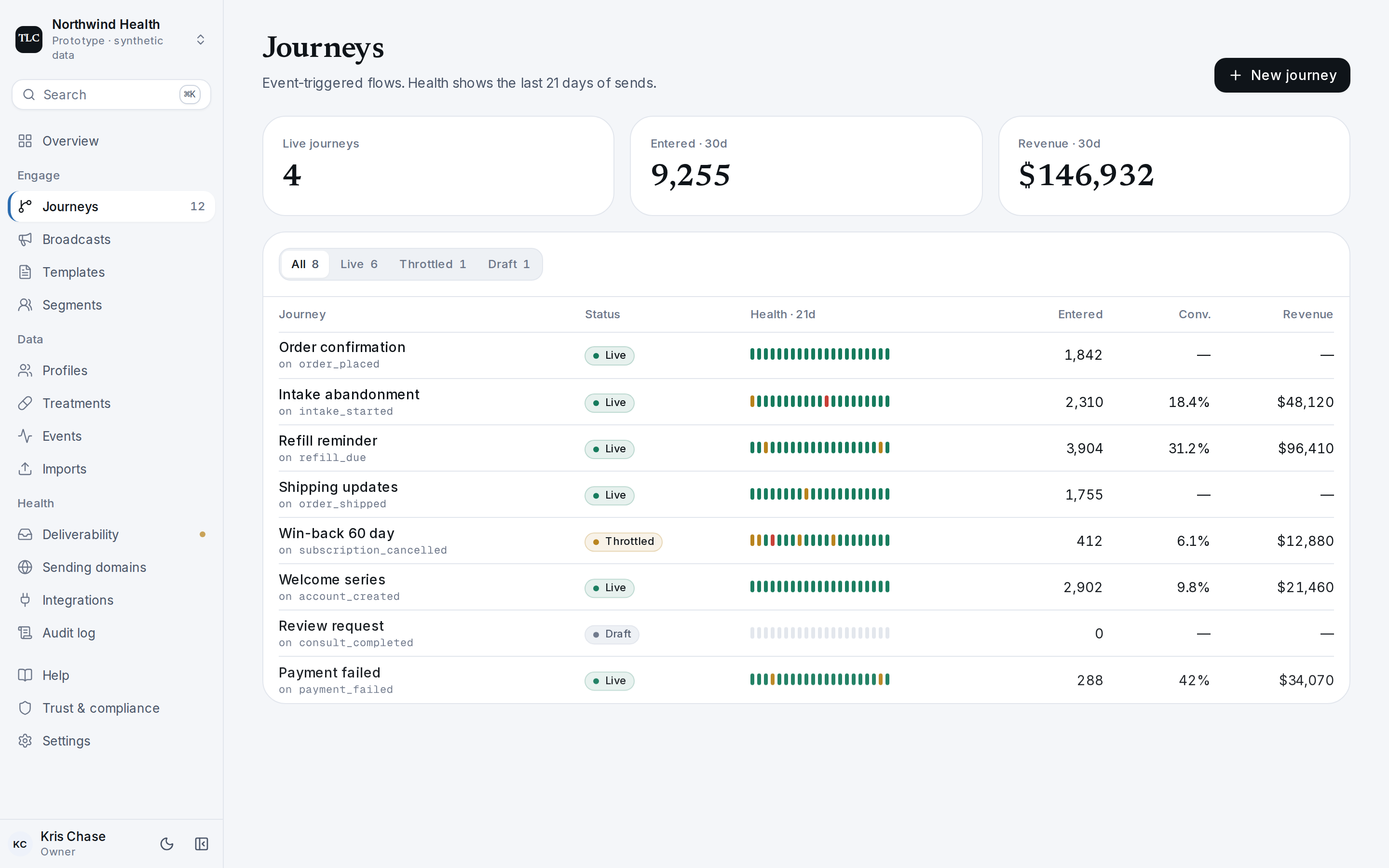 Journeys list
States
| Status | Meaning |
|---|---|
| draft | Editable, no enrollments |
| active | Enrolling profiles on trigger |
| paused | No new enrollments; in-flight steps may finish |
Pausing or publishing from an MCP-connected agent requires an admin approval in V1 (see Approval-required actions).
Discreet mode
When the brand uses discreet mode, journey emails must not put treatment names in subjects visible on lock screens. The editor surfaces warnings when copy violates that policy.